
Use it directly
- CSV and JSON exports
- Airtable or spreadsheet delivery
- Database and warehouse-ready records
- Customer-controlled backups
Turn approved public company websites into reviewable records containing company identity, contact details found on-site, source pages, and processing status.
Your input
You do not need to prepare technical configuration. Provide the business requirements, examples, and approved access; we translate them into fields, rules, and a tested schedule.
The result
A structured company table ready for CRM review, research, profiling, or downstream data work, with found and not-found states kept explicit.
Best for: CRM and RevOps teams, researchers, analysts, founders, operators, and data teams building company datasets from approved public websites.
AI-ready delivery
Receive normalized records directly or let an approved agent retrieve them through a scoped interface. Source evidence, transformations, timestamps, and exception states remain available for review.
Explore managed services for outreach and follow-upWorked example
Examples show the delivery structure before setup. Names and values are illustrative, not client records or performance claims.
Example input
{
  "start_urls": [
    { "url": "https://northstar.example" },
    { "url": "https://harborworks.example" }
  ],
  "max_pages_per_site": 5,
  "extract": ["company_name", "emails", "phones"],
  "delivery": "CRM-ready CSV"
}
Example delivery
Illustrative record{
"company_name": "Northstar Components",
"website": "https://northstar.example",
"emails": ["hello@northstar.example"],
"email_status": "found",
"phones": ["+1 202 555 0147"],
"phone_status": "found",
"pages_checked": [
"https://northstar.example",
"https://northstar.example/contact"
],
"crawl_status": "completed",
"review_status": "review",
"collected_at": "2026-08-19T09:00:00Z"
}Installation path
The first representative run is reviewed before the workflow becomes a recurring operation.
Provide an approved website list and required fields
Confirm page-depth and domain rules
Process a representative sample
Review found, missing, and failed states
Approve the delivery structure and schedule
Managed history
Each processing run can be timestamped and appended rather than silently replacing earlier observations. Source pages, found and missing states, crawl status, and review status support later comparison.
Retention and portability
Retention is agreed during setup. Records can be exported to CSV, JSON, a CRM-ready table, or a customer-controlled destination. Deletion requirements and any longer-term managed archive are scoped explicitly. The resulting dataset belongs to the customer. Aineed Data retains only the managed copy and history agreed for operation. CSV, JSON, Airtable, database, warehouse, scoped API, customer-controlled backup, deletion, portability, and exit-export requirements are defined during setup.
Interpretation limits
History makes comparison possible, but it does not remove source limitations or turn signals into guaranteed business outcomes.
Works only on approved publicly accessible websites
Does not access login-protected pages or bypass CAPTCHAs
Coverage depends on website structure and visible content
A found address or phone number may be outdated, generic, or unsuitable for a particular use
Not-found means no qualifying value was found in the agreed scan, not that no value exists
Customers remain responsible for lawful purpose, website terms, and applicable privacy rules
Safeguards
Access, retention, exports, and operating controls are confirmed for this workflow before launch.
Public pages only
No login or CAPTCHA bypass
Source pages retained with each record
Missing values remain explicit
Failed URLs and crawl status remain visible
Contact data is delivered for customer review, not represented as guaranteed current or deliverable
Related workflows
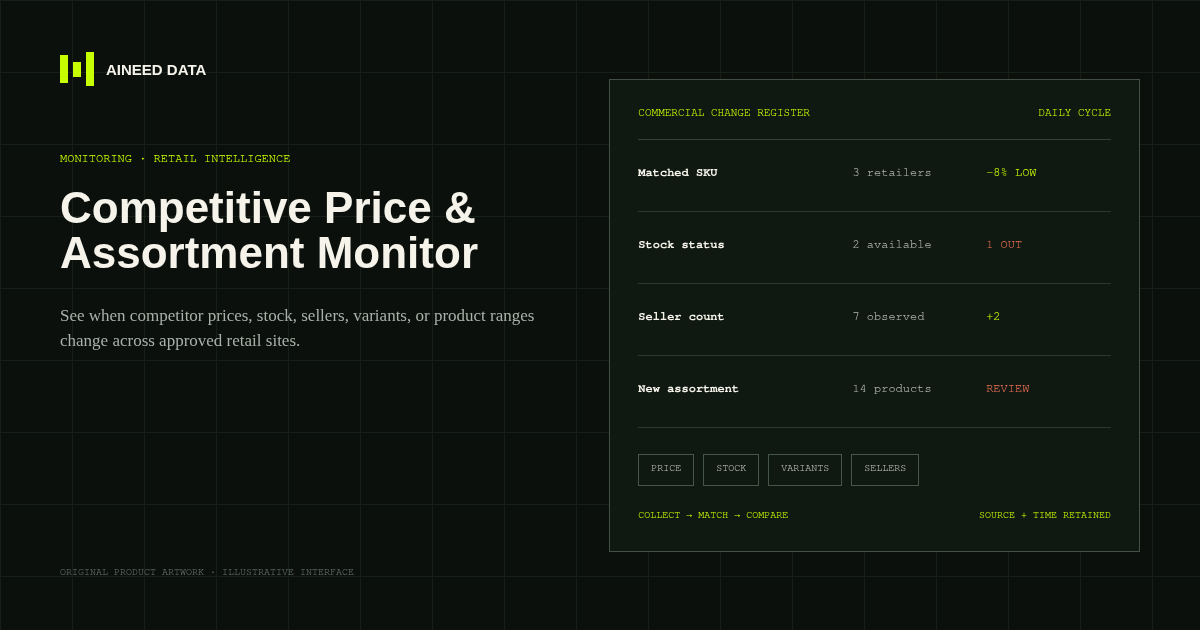
Monitoring · Configured
Know when competitor prices, availability, sellers, variants, or product ranges change across approved public retail and marketplace pages.
Explore workflow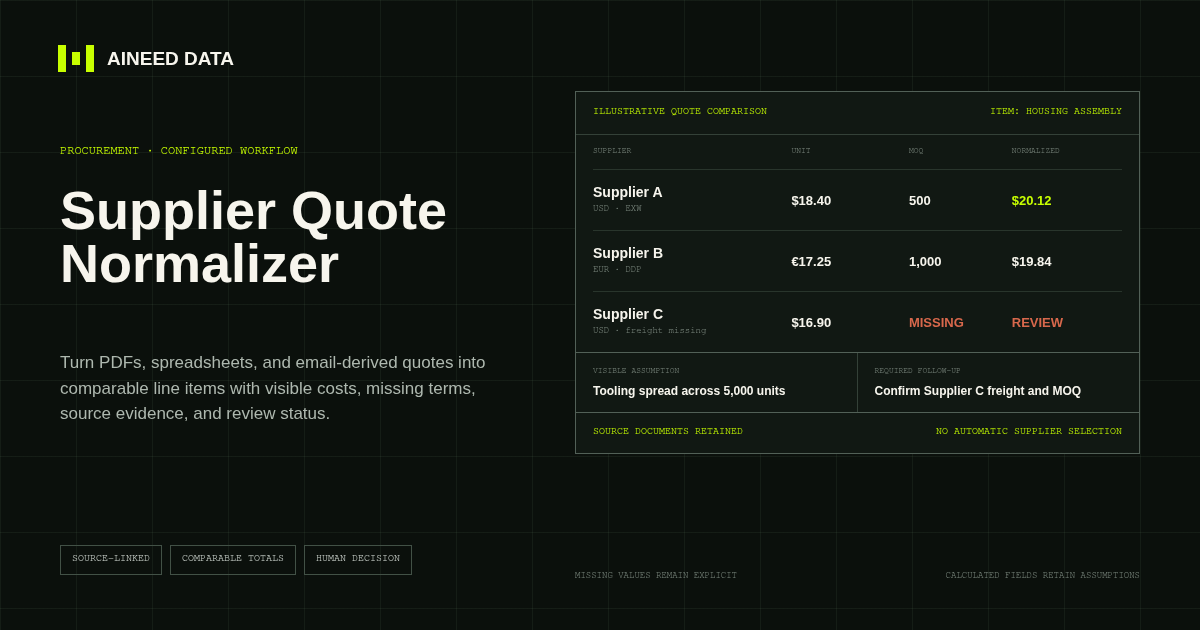
Data Collection · Configured
Convert supplier quotes from PDFs, spreadsheets, and approved email-derived text into comparable line items with explicit terms, assumptions, source evidence, and missing-information flags.
Explore workflow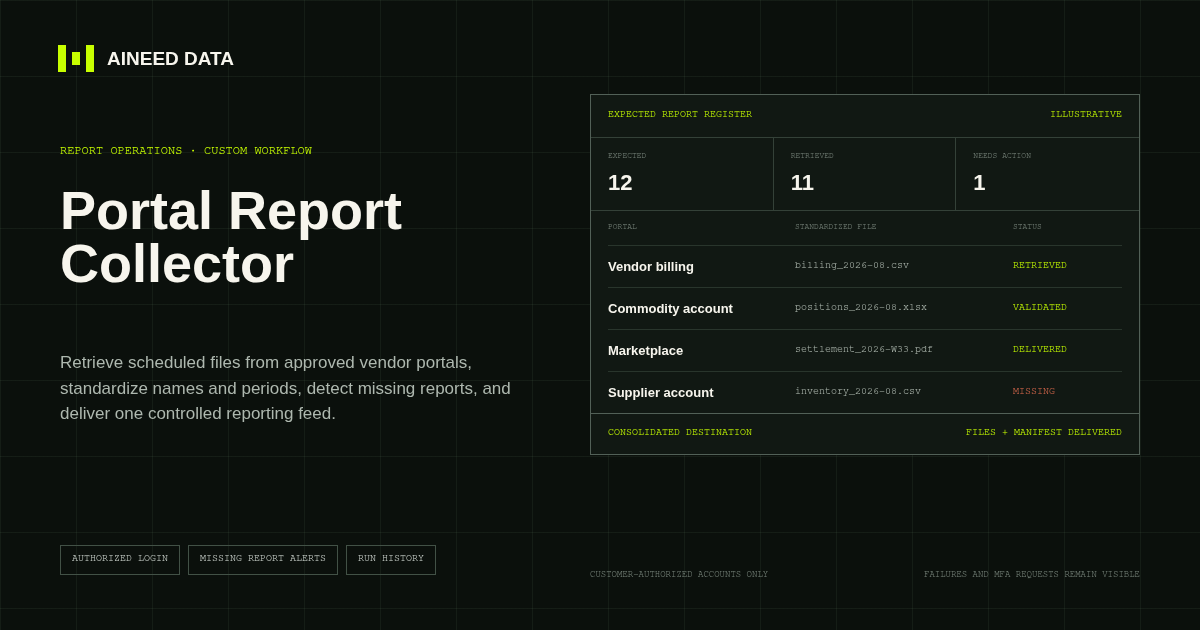
Reporting · Custom
Sign in to approved vendor and business portals on schedule, retrieve expected CSV, Excel, PDF, and other report files, and deliver one validated reporting feed.
Explore workflow
Request configuration
Share the sources, rules, and destination. We’ll verify access and confirm the final setup and monthly operating scope.